I complain all the time about Windows and Linux users. If I had money, I’d complain about Apple more frequently! Today, there’s a breed of computer user that gets me more than the Windows stans, Apple fanboys, or Linux losers–self-hosters.
Now hold your horses! I’m not against self-hosting, I self-host my own website using a VPS! But what I know for a fact is the way I configured my website is utterly wrong and most guides you will find online are outdated or outright wrong. What’s more is I can’t get basic 404 pages up and running without finding a way to pipe Cloudflare certificates into my server let alone a Docker container or configuring database storage outside of it if I wanted to export my data!
Enough ranting. Before you actually start start hosting anything, you need a website name. Barring home labs and social media, if you want presence on the internet, you need to have a domain name. A domain name is a shortcut to an IP address. Most people aren’t typing out IP addresses by hand and instead type something like trafotin.com. The URL is binded to your IP address when you setup a web server.
What Makes a Good Domain Name?
 This brings up the importance of a good domain name. If you are planning on self-hosting and depending on what you want to do, be very cautious of the domain that you wind up buying.
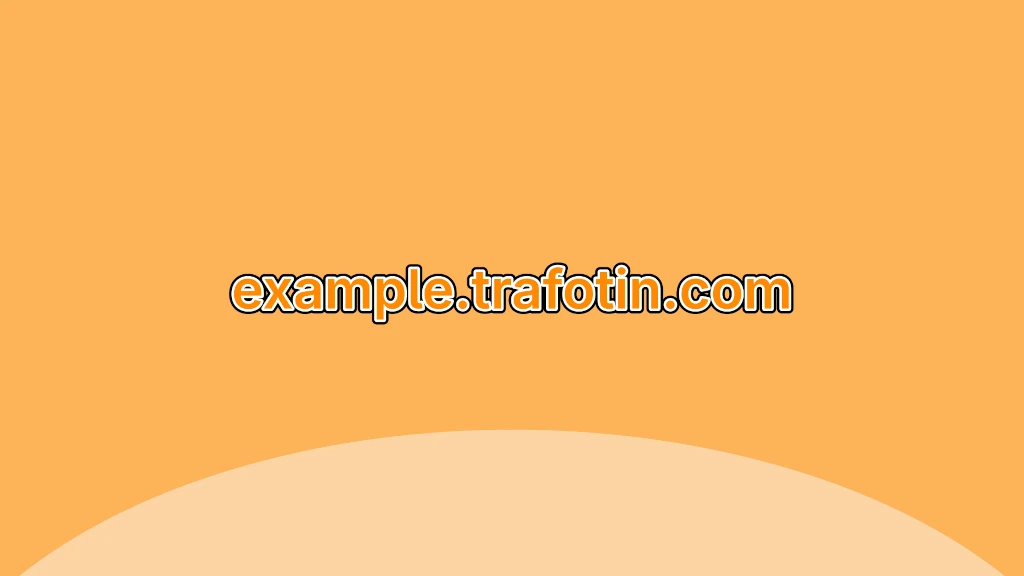
Domain names are broken up into multiple parts. In this example, let’s look at example.trafotin.com.
- My domain is
trafotin, which is anything between the last dots in a URL (yes, there can be more than 2 dots!) - My top-level domain (TLD) is
.com, which is one of the most common top-level domain. Other examples include.net,.org, or country specific alternatives like.co.jp. - Some websites, especially if you plan on self-hosting, use subdomains like
examplein the above. For example, Gmail is a different service from Google Search, so Google uses the subdomainmail.google.com.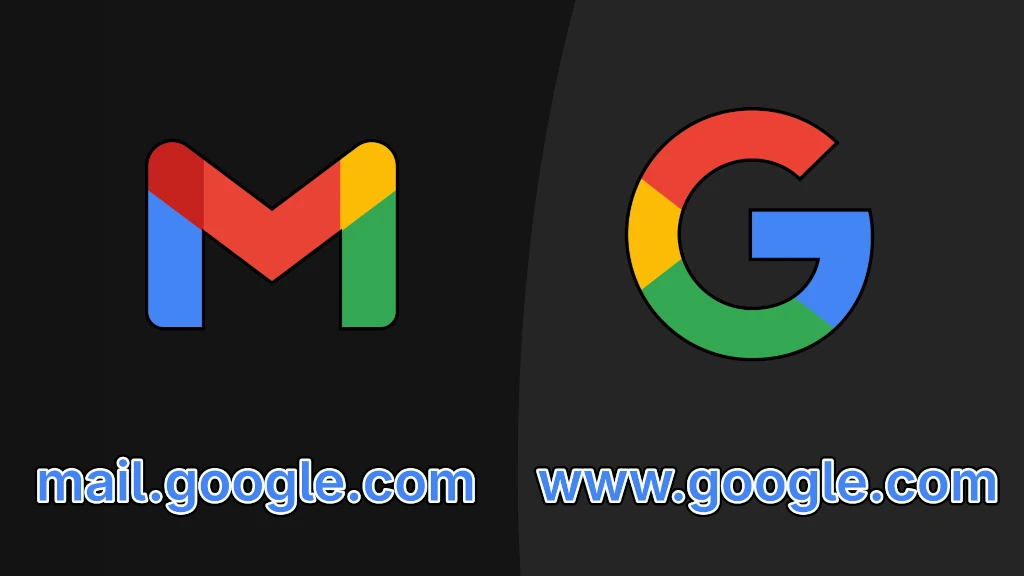
How to Pick a Domain Name
Now before you go out and buy a domain name, there’s a bunch of other catches. When you buy a domain name, especially if you are going to be sharing it with people for ease of sharing it or because you want to publish a public website, you want this to be short and memorable.
Dictionary Words & 6 Character Domains
Be wary with domains that are a single dictionary word or less than 6 characers. The estimated price at many of the domain registrars sold for upwards of $15,000 USD minimum and sometimes much higher at hundreds of thousands of dollars. You don’t need to spend remotely near this much money, but it’s something to be aware of. Many domains less than 6 characters or single dictionary words have been taken or it is unlikely you will get them due to price.
Avoid Cheap TLDs
The other thing to be wary of is to not buy domains that are too cheap, especially if you planning on making a public website or using it for communication services like email. Very cheap TLDs like .xyz or .info are often instantly blocked by Gmail/other email services or banks. For example, malware distributors have taken to using the TLD .us to distribute malware. Usually the tell is these domains are around $1 a year to use.
- The Perils of an .xyz Domain, Gordon Hempton
- These are the top-level domains threat actors like the most | Bill Toulas, Bleeping Computer
Unfortunately, these domains are given a low reputation by malware scanning services because scammers often buy these domains because of their price and use them for nefarious purposes. The same is true with the popular domains too, but the price barrier keeps the riff raff out. If you are using this purely for personal purposes, this won’t matter unless you share links with people.
Cultural Double Meaning
Lastly, be aware of the “double meaning” of certain TLDs. It’s commonly accepted .gov is commonly associated with government websites, but there are also some more obscure TLDs for specific purposes. People know about websites like twitch.tv, but .tv is also the top level domain of the country Tuvalu. Similarly, you can buy wacky domains like .social for social media, but also be warned with even more implied meaning with domains like .gay as this could have the connotation of adult content or be difficult to direct other people to because of the familiarity with traditional TLDs. Just be cognizant of what domain you want and any unintended interpretations.
WHOIS Privacy Planning
Now that you have a domain that you want to buy in mind, you now have to go buy it. These are where the problems begin and it’s largely to protect your privacy and your sanity. What many people don’t talk about is WHOIS privacy.
WHOIS is a public record of internet users and website operators. When you register for a website, an physical address and email of the recipient must be made publicly available.
The other thing to be aware of is privacy when purchasing a domain name. When you buy a domain name, you will need to submit a real email address you control. Do not submit a temporary email as you will need full access to this burner email to prove you are you. You should. Also be prepared that this email is going to be permanently associated with your domain forever. This also is accounting for the phone number requirements of some cloud or VPS providers.
Addressing Concerns
The worst part is your address and unfortunately, accidents happen. The reason to consider protecting your address is the risk of your registrar getting compromised. Years ago, Linux YouTuber Luke Smith promoted Epik, a far right registrar that was eventually hacked and leaked information of its users. This hack also included WHOIS information, which included the addresses provided by Epik’s users as well as other publicly available WHOIS information from other providers too. While what happened to Epik is rare, the threat is always there for registrars and scrapers other than Epik too (Luke also backpedalled, but his response was awful).
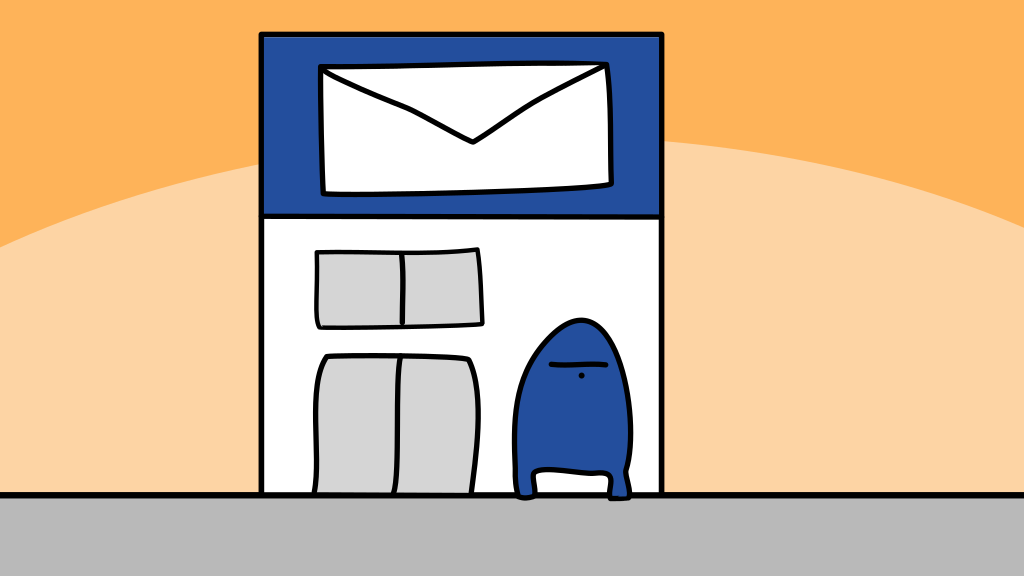 The reason why the burner address is so important is to protect your email in the event of spam, but how does someone protect their address? The first alternative is using a commercial/municipal mailbox. Depending on where you live, you can pay for secondary mailing address, either through a commercial company or through the government/municipality for a fee. However, because my brain too cooked, I chose to do something different.
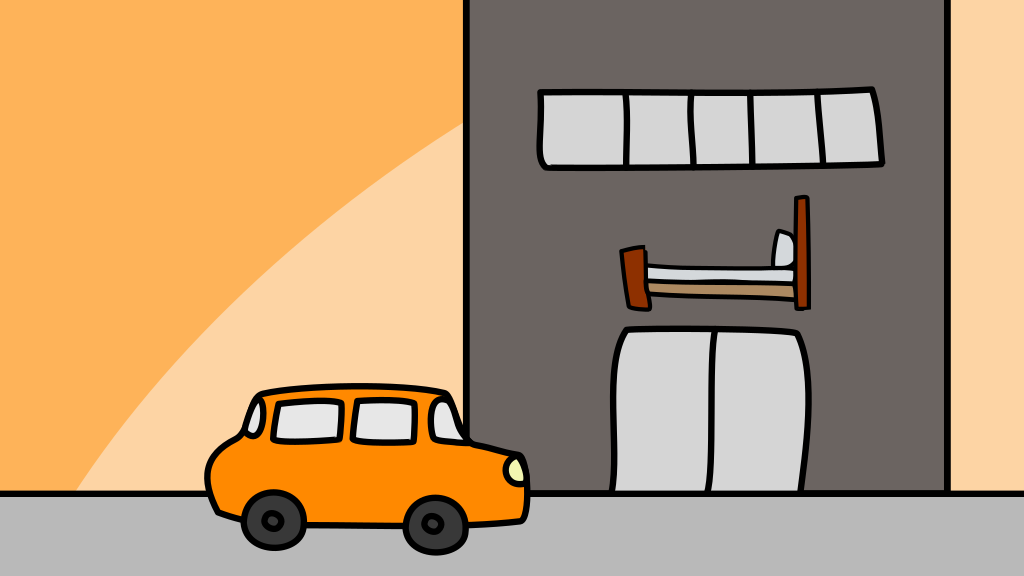 Every year, my family piles into a car and we travel to a different part of the United States than where I live on vacation. When I first registered my domain name, we went on our yearly vacation, so I created my account and bought
 trafotin.com using hotel internet and provided the address of the hotel we were staying at, which at the time was my place of residence. Many of these services also won’t block hotel addresses because the growing use of hotels as affordable housing. Coincidentally, your registrar will frequently ask you to update your address every year, so even though I’m not buying domains anymore, I use this vacation as my opportunity to update the WHOIS information with the new hotel of that year. If they ask you for a phone number, you can use a fax machine in the hotel business center.
Also, pay attention to what I did here. We can’t just provide junk information as this can result in your account being suspended or someone living at the provided address accusing you of fraud. If you are also honest with the process, you can always keep track of this while protecting your information. I believe this is as close to providing real accurate information that would appease a lawyer while safeguarding your own. The most important is to never lie; we don’t want to break the law. The internet police won’t come after you, but we need to be good patrons of these services and respect ICANN.
Provider Concerns
So you’ve picked out a domains and got your addressing in order, the last and persistent threat you need to worry about is the registrar you buy your domain name from. More importantly, you need to pick a registrar that respects your privacy, your security, and your wallet.
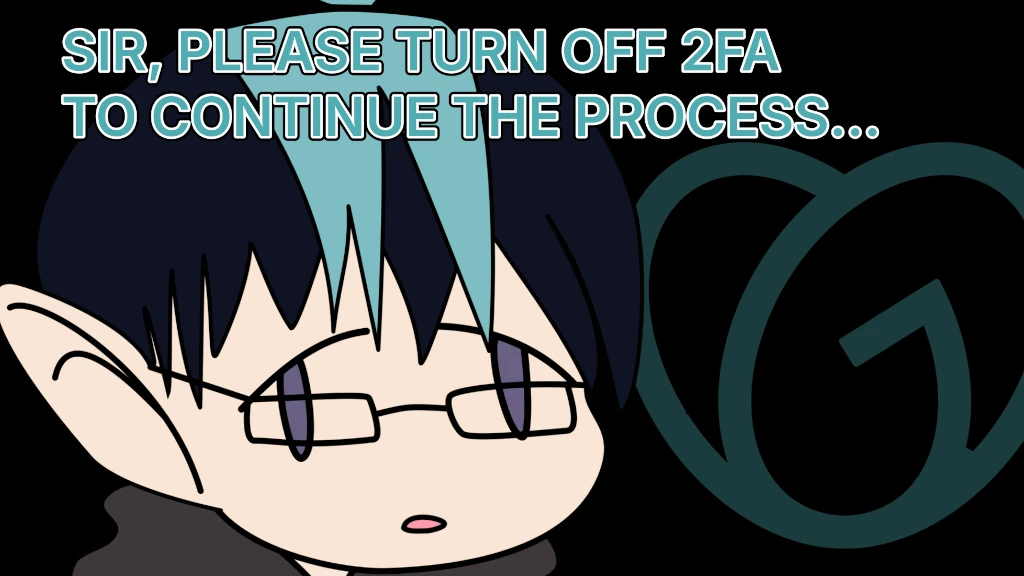
The first thing is to analyze the worst kind of domain providers: the best example being GoDaddy. Until 2022, GoDaddy paywalled WHOIS privacy behind an additional fee, so in the past, if you failed to pay, have fun getting doxxed for a feature other registrars give you for free. They also offered managed hosting that was also hacked because of bad security practices. Finally, GoDaddy also charges way more than their competition and provide substantially worse support. Their support has also been exploited numerous times and had unauthorized domain transfers. If you engage with support like I have, they demand your turn off 2FA while they work on your account, which is monumentally stupid on many levels.
For the record, I have a domain name of what most people perceive as nonsense consisting of 8 characters. Getting 8 character, easy to type domain, and a .com TLD is already a struggle, but thankfully, I only pay $15 a year, but my last registrar Namecheap always jacked up my rates every year, even after their initial 2 year discount. Namecheap also participates in the same sleezy hosting and auctioneering tactics that GoDaddy does, but I moved away awhile ago.
The domain provider I eventually settled on was Cloudflare. Now I know a lot of Linux losers will criticize me for picking Cloudflare, but the fact of the matter is they are one of the few domain providers who actually try to protect the privacy and security of their customers with strong defaults. The only other I could think of otherwise is Google and they definitely don’t respect your privacy and sold off their domain service to Squarespace.
Cloudflare isn’t much better, controlling a sizable chunk of the global internet traffic and doing non-standard proxy stuff in the DNS settings. However, I don’t have a better option and they have remained true to their promise of not overcharging by not offering shady domain auctioning like many of the other registrars do. Furthermore, you don’t have to the convoluted dance you previously did where you buy a domain from another service (in my case Namecheap), then immediately transfer it to Cloudflare. I did that and it’s awful, but thankfully, you don’t need to do this anymore.
Lock It In
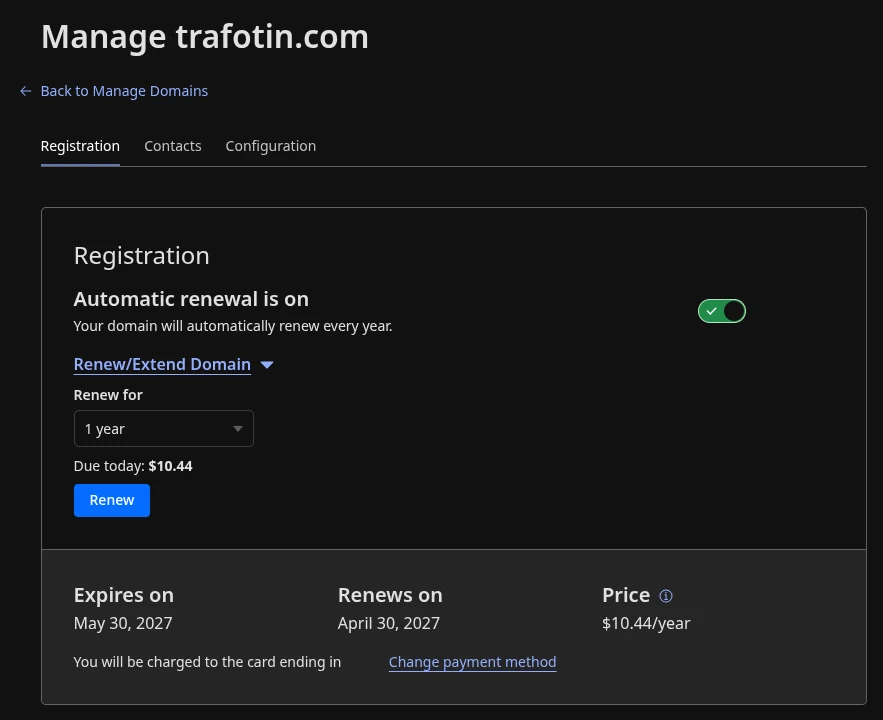 Finally, once you have picked your domain provider and registrar, you need to be prepared to own and pay for it for the rest of your life. Theoretically, let’s say I quit YouTube and shut down all of my online activities (that you know about anyway). If I did, I would have to still pay for my domains. Unfortunately, there’s a popular industry of people who buy up domains the moment they are put up for sale. After buying them, one of two things happens:
- The new owner resells the domain in an attempt to make profit.
- The new owner keep the domain and use it for something else.
Now the latter is the most problematic as the new owner may have beliefs don’t align with your own. The most egregious of the potential scenarios is your website is bought out and used distribute malware or scam people. If you are like me and owned a domain name for multiple years, your domain has built up years worth of reputation, fulfilling what it was originally doing on the internet. Just know unless you know the consequences of selling a domain, you’re going to be paying for it from now until the end of time. Set up automatic payments and know it’s another reason why it’s so important to pick a good domain registrar.
Your Domain is an Asset
After going over all the steps from picking a domain, maintaining your privacy owning one, and the choice of registrar, it’s a process that requires a lot of thought and can feel like a marathon. The core takeaway of this process is there’s the exclusion of anything “non-technical.” Nobody will tell you the gambling related consequences of owning a .bet TLD. Not many people will go through the lengths I did to visit a hotel to comply with ICANN and protect my own information. I recommend doing it this way because the risks are real.
Owning a domain is a great step to giving your self a digital identity, but it’s also a big responsibility. If you are prepared to go through these steps and be proactive about it, you can go back to self-hosting Nextcloud or the content that puts you on the map. I chose the domain I did because it’s not just a flex, it’s an asset that points to my content and I will protect it accordingly. The last cautionary tale is not to go and replicate what I did. See if it works for you, but don’t let someone else tell you what to online, especially a cartoon character.
Video References:
Track Listing
- Kei Morimoto - More Beautiful Than Diamonds (ダイヤモンドより美しく)
- Minobe Yutaka (蓑部雄崇) - Iliaster Battle Mode ( イリアステルバトルモード ) from Yu-Gi-Oh! 5Ds (遊☆戯☆王5D’s(ファイブディーズ)) Sound Duel III Disk 1
- Nanaki Amano (天野 七祈) - A Little Fun (ちょっと楽しい)
- KK - Oya oya (おやおや)
- BGmer - Garden Party (ガーデンパーティー)
- Ann Paris - Timeless
- Outro: Khaim - Neon Lamp