Did you know Microsoft Build happened? It’s one of the biggest days for Microsoft every year, including announcing the new features of Windows like the new Windows Recall. Unfortunately for Microsoft, their PR team was quite up to snuff and has been greeted with hostility about Recall since the moment of its inception.
People who know me know I’m far from the biggest fan of Microsoft. As a company, Microsoft is rotten to its core and has few redeeming qualities. When I was reading the news and listening to opinions last week, I was very disappointed in new outlets and online influencers at spreading the narrative Recall is a privacy disaster (which to be fair, it probably will be in the future).
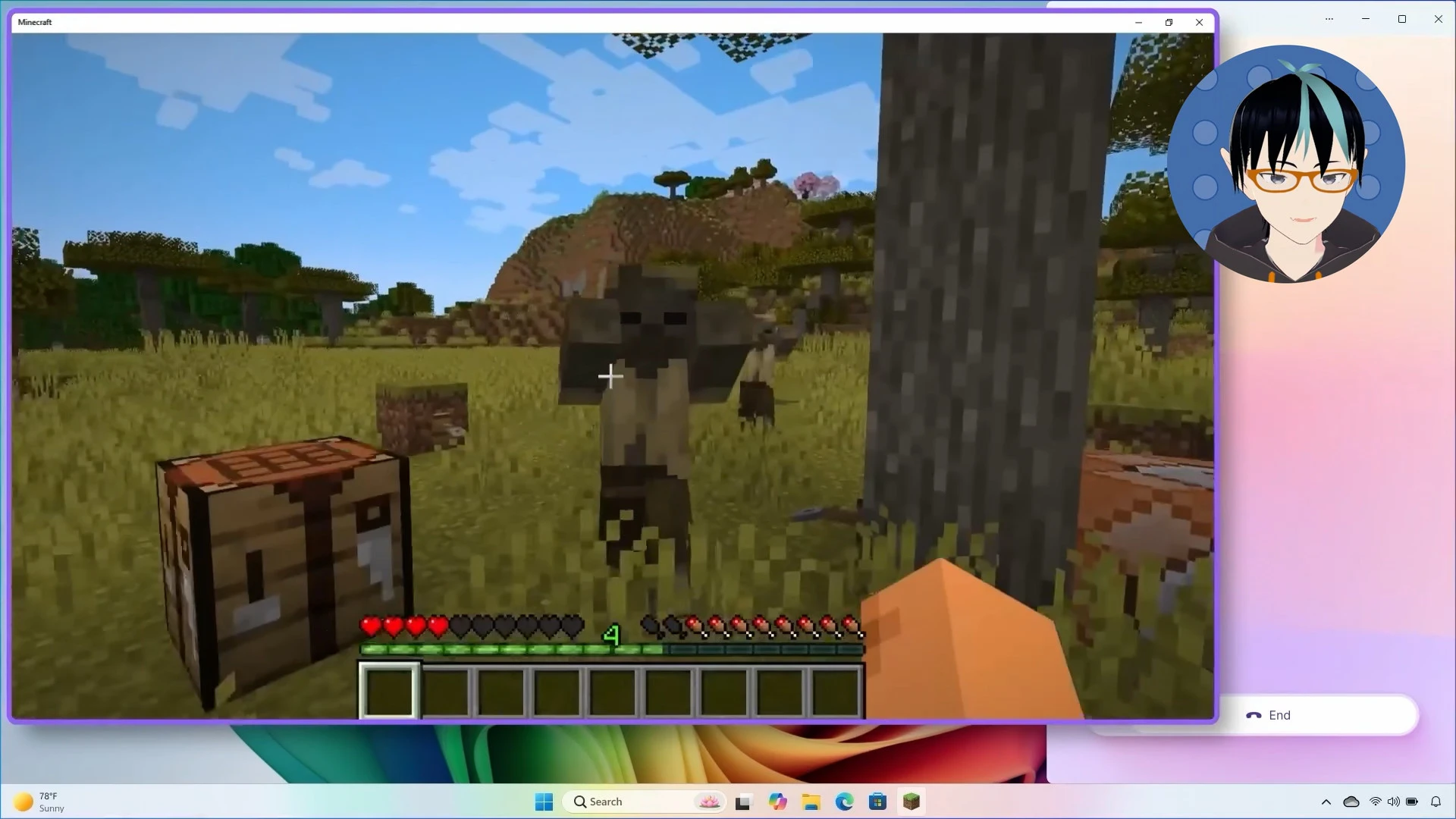
From the Microsoft Build keynotes, Microsoft showcasing a rigged Minecraft game and a gamer AI chatbot.
In addition to making a video and hopping on the bandwagon of recent news, I waited and did some reading about Microsoft documentation. Recall does a lot of things that will negatively impact your Windows computer, but let’s also be realistic about what those things are, so we don’t spread any panic, moral or otherwise.
What is Windows Recall?
At Microsoft Build this year, Microsoft announced Recall, a system powered by the artificial intelligence processors in the Qualcomm Snapdragon X computers, dubbed Copilot+ PCs. Recall is powered by a new API system in Windows called Windows Copilot Runtime, which empowers other non-Windows applications to take advantage of the newfound power and features of the Snapdragon X chips.
Inside the Snapdragon chips are what’s called language models, which give the Windows Copilot Runtime to caption dialogue, translate it, or run other types of local, onboard processing. Recall is also not as intelligent of a system as Microsoft’s engineers would have you believe. In order to make use of the on-board AI of a Snapdragon X chip and Windows Copilot Runtime, Recall needs to take screenshots of your screen every 5 seconds.
Ensuing/Ensured Outrage
Over the last month, many people decried the feature, but we encounter the first problem with the presentation with Recall and the Windows Copilot Runtime in general—it’s Microsoft’s inability to communicate. Not just any woman, Joanna Stern from The Wall Street Journal got to interview the CEO of Microsoft and the answer only instilled panic in people because it was poorly worded.
After watching the paywalled interview, The Wall Street Journal should have interviewed a lower level engineer or a different PR rep for Microsoft, because Satya did an awful job at giving Stern a straight answer to any of the questions she asked. The free interview also warps the conversation in 2 cuts and hides some of the information Satya said.
STERN: There could be this reaction from some people that this is pretty creepy. Microsoft is taking screenshots of everything I do.
NADELLA: Yeah, I mean, that’s why that it can only do it on the edge, right? …So this is, you have to put two things together. This is my computer, this is my Recall, and it’s all being done locally, right? …So that’s the promise. So, that’s one of the reasons why Recall works as a magical thing, because I can trust it that it is on my computer.
Joanna Stern & Satya Nadella, Microsoft vs. Apple: Satya Nadella Says AI-Focused Copilot+ PCs Beat Macs | WSJ (the free version) 4:16
How does Windows Recall work?
What’s interesting here in this interview is the distinction between offline language models versus large, cloud-based language models, like Windows Copilot or ChatGPT. While machine vision AI models are not something new, the dedication of neural processing units (NPUs) like what we see in the Snapdragon are going to become commonplace because of Microsoft’s insistence to their hardware makers.
Since Windows Recall is a very simplistic system. But it does prompt the question—does it violate user privacy? First, we need to put what Microsoft tells us about Recall under a microscope. As there is requirements and compliance for businesses, in light of potential privacy concerns, Microsoft documents the process.
Unfortunately, the most useful is scattered across 5 pages: Microsoft Support, the Microsoft Learn page about Copilot, the Microsoft Learn page about Windows Copilot Runtime, and the landing page for Copilot+ PCs. This is all the information for app developers and IT admins, but it’s arranged in multiple places.
About Windows Recall:
Microsoft fails to communicate anything clearly if there’s no place to consolidate this information.
- Recall Overview | Microsoft Learn
- Consumer Information (i.e. the Windows support site)
- Copilot FAQ
- Manage Recall for Windows clients - Windows Client Management | Microsoft Learn
- Microsoft Copilot Runtime Overview | Microsoft Learn
The App/Browser Bottleneck
The first thing to return to is the Windows Copilot Runtime. In order for the search to be the AI enhanced search like Microsoft shows in their demos, app makers need to write their applications with these features in mind. If an application is not supported, Windows Copilot will capture this data and it cannot be automatically filtered out.
As of time of writing, it’s not clear what non-Microsoft applications that don’t support Windows Copilot Runtime. It appears they will be indiscriminately captured and collected because of the section in Microsoft Learn about browser support, so let’s try to read between the lines here.
The mainstream browsers for Windows: Edge, Chrome, Firefox, and Opera
all support the Windows Copilot Runtime and already filter out private
browsing, DRM-protected content, or user-specified websites. The only
time that private browsing will be collected is when the user explicitly
presses Win + j to manually take a Recall snapshot or if a browser is
not supported.
Opting Out
Since we know how browsers work and what makes Recall’s search to be effective, what can we, as users or businesses, do about Recall? How can we turn it off?
To configure Recall, in the Settings app, navigate to Privacy & security → Recall & snapshots → uncheck Save snapshots.
To configure Recall’s storage of screenshots, in the Settings app, navigate to Privacy & security → Recall & snapshots → Storage → Maximum storage for snapshots limit. There is a table of the storage minimum requirement for Recall on Microsoft Learn.
To delete Recall snapshots, in the Settings app, navigate to Privacy & security → Recall & snapshots → Delete snapshots from a specific timeframe or Delete all snapshots.
The most comprehensive way is to use Windows Pro or higher, where you get access to Group Policy Editor. There is likely an undocumented registry key for Windows Home users.
In Group Policy, navigate to User Configuration > Administrative Templates > Windows Components > WindowsAI > Turn off saving snapshots for Windows
“Justified” Outrage
An important thing I want to touch on is what I call “justified” outrage. It’s fine to be angry about something our oppressive corporate overlords do, but if you’re going to pick something, it better be something with demonstrable, substantial evidence and based in reality and technical feat.
The point being—Windows Recall cannot be tested right now and we should reserve judgement until it can be. There’s a common myth that proprietary software cannot be analyzed, but that’s far from true. It’s harder, but it’s not impossible.
Most importantly, let’s critically analyze why you should reserve your judgement about Recall, but also what can you be angry about now. To be clear and given Microsoft’s track record, there is a high likelihood that Recall will be used by invade your privacy, but this will need to be subject to experimentation.
The NPU Requirement
Recall requires a Snapdragon X processor. Additionally, hardware makers AMD and Intel have promised to release Copilot+ PCs in the future. The key thing here is none of these devices are in the hands of journalists or consumers (as of time of writing). Since nobody has any of these computers handy, you can’t do any of the testing.
The annoyance introduced by Recall is Microsoft’s requirements for it that screws over people who have computers capable of AI operations. I have a Nvidia 4060 in a gaming laptop. I can already run AI that runs speech inference or large language models like Google’s Gemma or Facebook’s Llama 3.
According to Microsoft’s arbitrary system requirements, my computer, fully capable of AI programs, cannot run Recall. I can only guess that it’s because they want to sell me more computers…
- a NPU (Qualcomm Snapdragon X, Intel, AMD)
- a minimum of 256 GB of storage
- 16 GB of RAM
- 8 processor cores
Recall’s “Allocated Storage”
While Recall allows you to turn it off, Recall will perpetually eat up at least 10% of drive. There’s a full table in Microsoft’s documentation about how much storage is taken up by Recall.
- If you have storage higher than 1 TB, 150 GB will eaten up out of the box.
- This is in addition to the 27-28 GB part of the base Windows 11 installation.
- The amount cannot be customized beyond the set amounts Microsoft prescribes.
- All future snapshots will stop when Recall is disabled or if the
C:/has 25 GB or less space. - Snapshots will only commence if 50 GB is available.
- Since snapshots are stored in the temporary files, all data is deleted upon resetting Windows or installing an alternate operating system.
Peering Deeper In the Crystal Ball
Recall is a PR nightmare. Microsoft is vague about actual information people are looking for and distrust for Microsoft is at an all time high as a result. Privacy will be a concern for some, but Windows itself and Microsoft have greater problems that will eventually ruin the good parts of Recall.
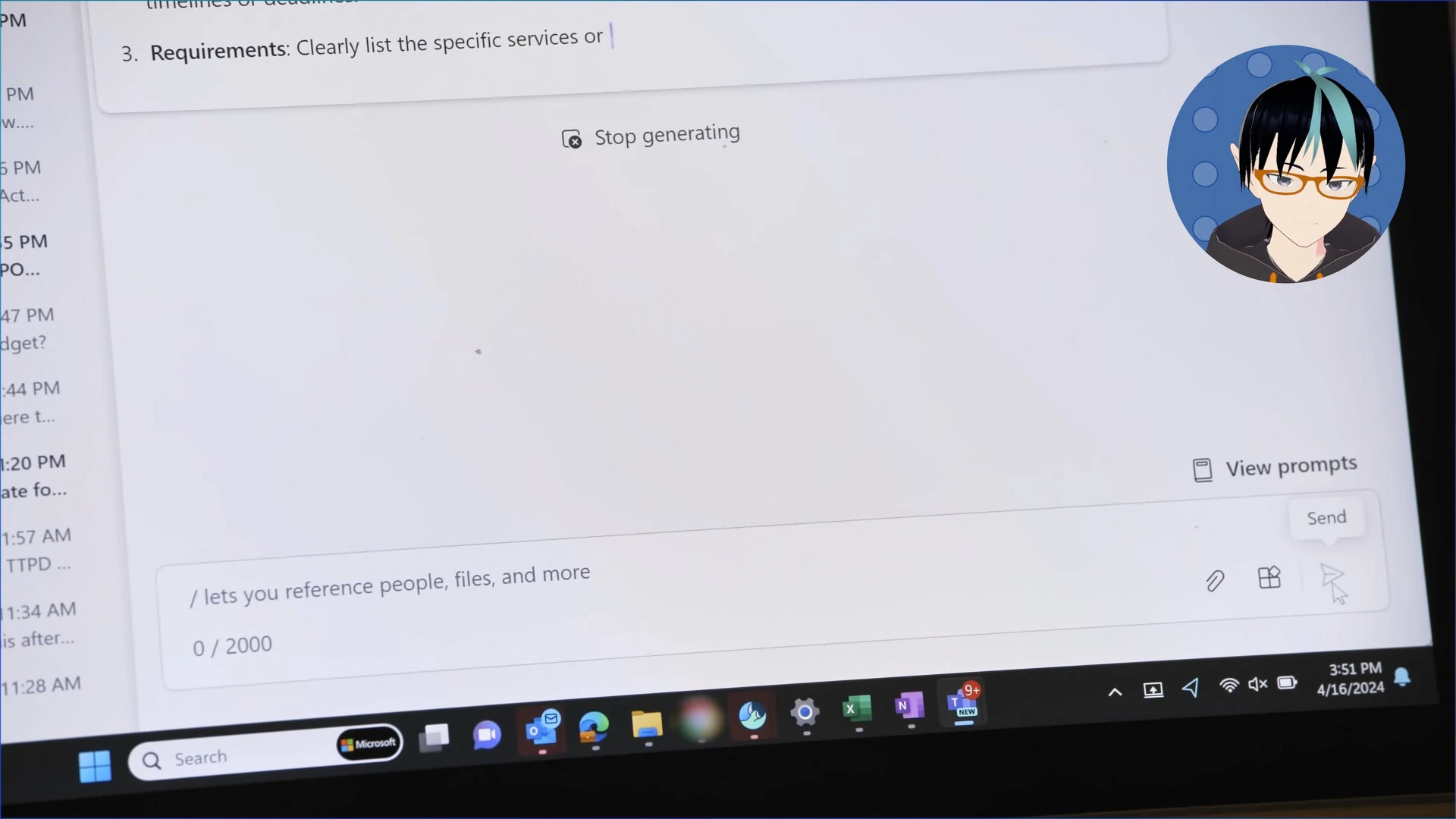
On the Build Day 2 Keynote, Microsoft showed an ad for Lumen. For a brief moment within the ad, a Windows desktop is shown, but Google Chrome is blurred out in the taskbar. Microsoft traditionally has tried to make switching to alternative browsers like Google Chrome more difficult.
- Windows has a nasty habit of resetting your settings to default settings after updates. Such a feature could be enabled again after an update.
- Recall is enabled by default, according to The Verge’s Tom Warren. Microsoft claims it is opt-in. We need to wait and see which one.
- While Windows may process and store your Recall data offline, there’s nothing to stop Microsoft from running not-so-private telemetry on it after the fact. This will need to be subject to experimentation.
- Microsoft has a problem with enshittifying Windows by adding advertisements or promoting their own products. Recall has the potential to be next.
- Storing this data brings up the possibility that law enforcement will start requesting it, hackers will steal it, or people will sabotage it.
- The snapshots are not synced to the cloud. Yet.
- What is the power draw of the NPU accelerated tasks like Recall? It’s probably terrible.
As someone who has a deep distrust of Microsoft, I don’t recommend anybody use Recall. The greater problem is how the “choice” of using Recall or not is handled by Windows. This outrage over the last month is distraction from real questions people should be asking and where Microsoft has been light on answers.
We need to wait until Recall becomes generally available so it can be tested and prove/dispel rumor. The next time you read the news, hold off on sounding the alarm. Think before you act and as always, just buy a Mac or install Linux already.
Referenced:
- Microsoft Build 2024 Monday Keynote: Introducing Copilot+ PCs (Journalists only)
- Microsoft Build 2024 Tuesday Keynote
- (Disinformation Warning) The origin of Roko’s Basilisk
- What is Windows 11 ‘AI Explorer’? Everything you need to know about Microsoft’s upcoming defining AI PC feature - Zac Bowdin It’s important to note this information came out before the announcement and Bowdin says the leakers were insistent the data was stored locally.
- Scott Hanselman’s (VP at Microsoft) TikTok about the local processing of Recall
- Windows 10: CNIL publicly serves formal notice to Microsoft Corporation to comply with the French Data Protection Act within three months (Archive)
- Microsoft Windows 10 Home and Pro investigation by the Autoriteit Persoonsgegevens (Dutch DPA), August 2017
- Windows Weekly 884 and Paul Thurrott’s angry rant about Recall sensationalism at 33:57
- The Neuralink livestream featuring the first patient Noland Arbaugh
- Neuralink’s silent blog post about the setbacks of Arbaugh’s surgery